JLG DEF System
5:03
Description
Related Videos
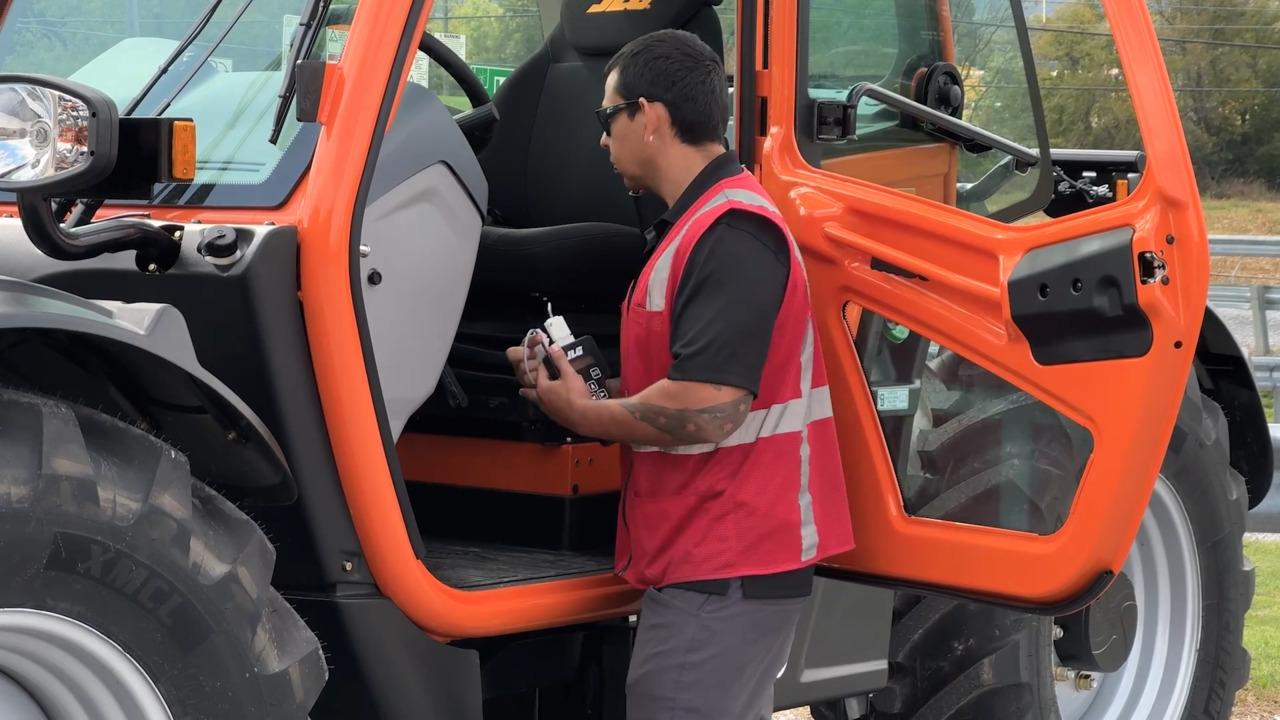
This video provides an overview of the DEF system for JLG Telehandlers.
View More
View Less
5:03
This video provides an overview of the DEF system for JLG Telehandlers.
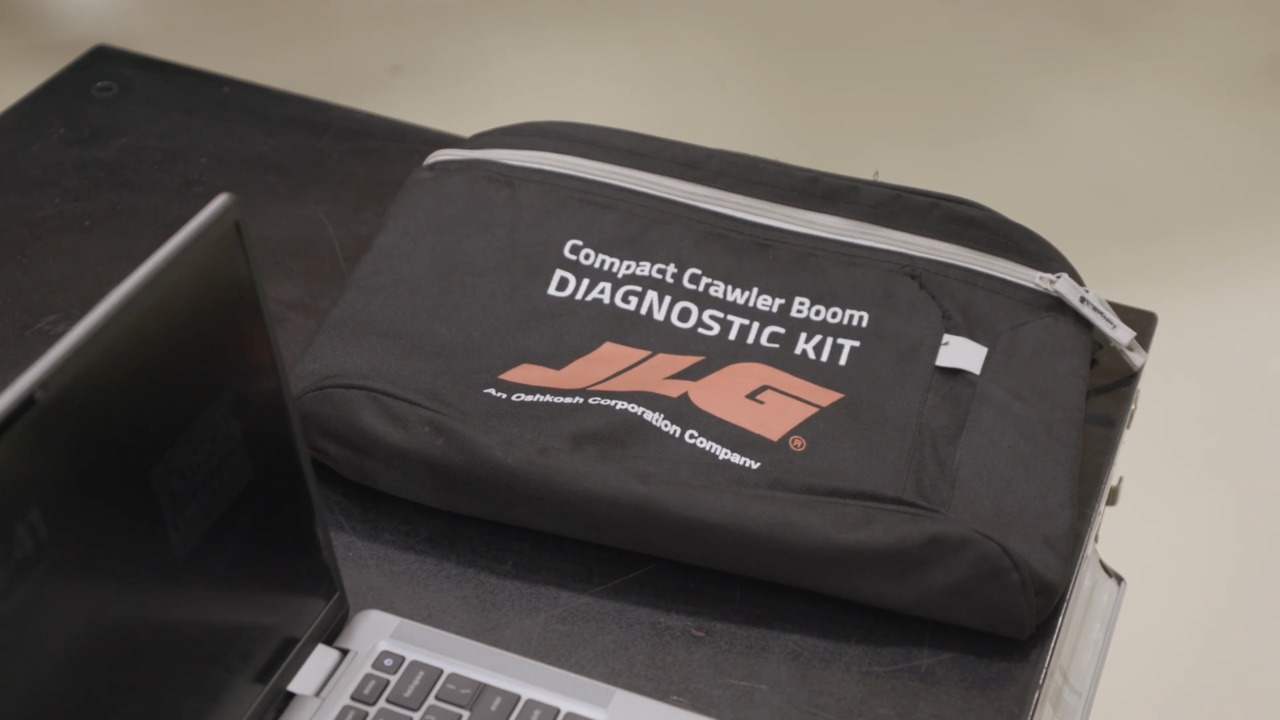
Get an overview of the menu system in the JLG Ramhino diagnostic tool, used with JLG Compact Crawler Booms. This video covers each section of the interface, Data, Remote Control, Input, Output, Stabilization, Software Uploader, and Lithium.
2:05
Check Diagnostic Trouble Codes (DTCs) on a JLG AG925 telehandler using the in-cab display. This video shows how to access the diagnostics menu and view active fault codes. Use this process to support troubleshooting and machine diagnostics.
1:58
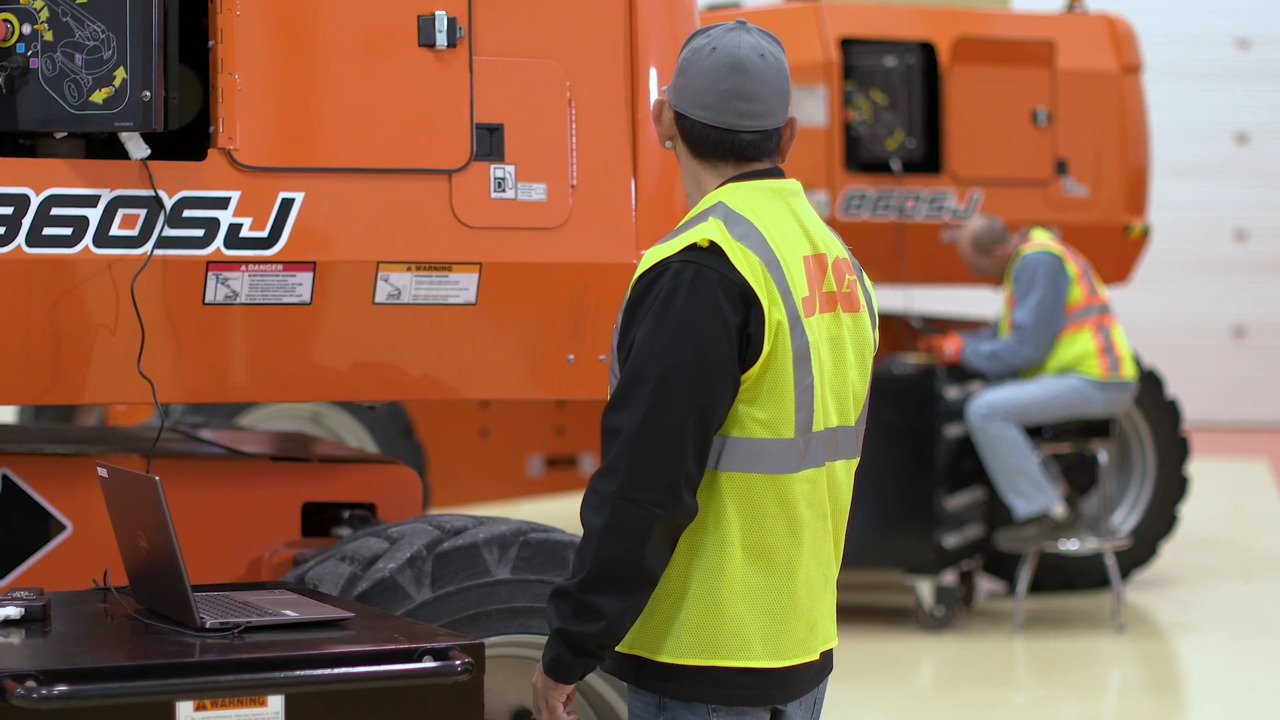
Update the Control System Software on a JLG 860SJ using the JLG Analyzer and Ground Control Module. Follow the steps to connect, navigate the software menu, and install the latest version. Keeping the 860SJ software current helps maintain diagnostic
4:04
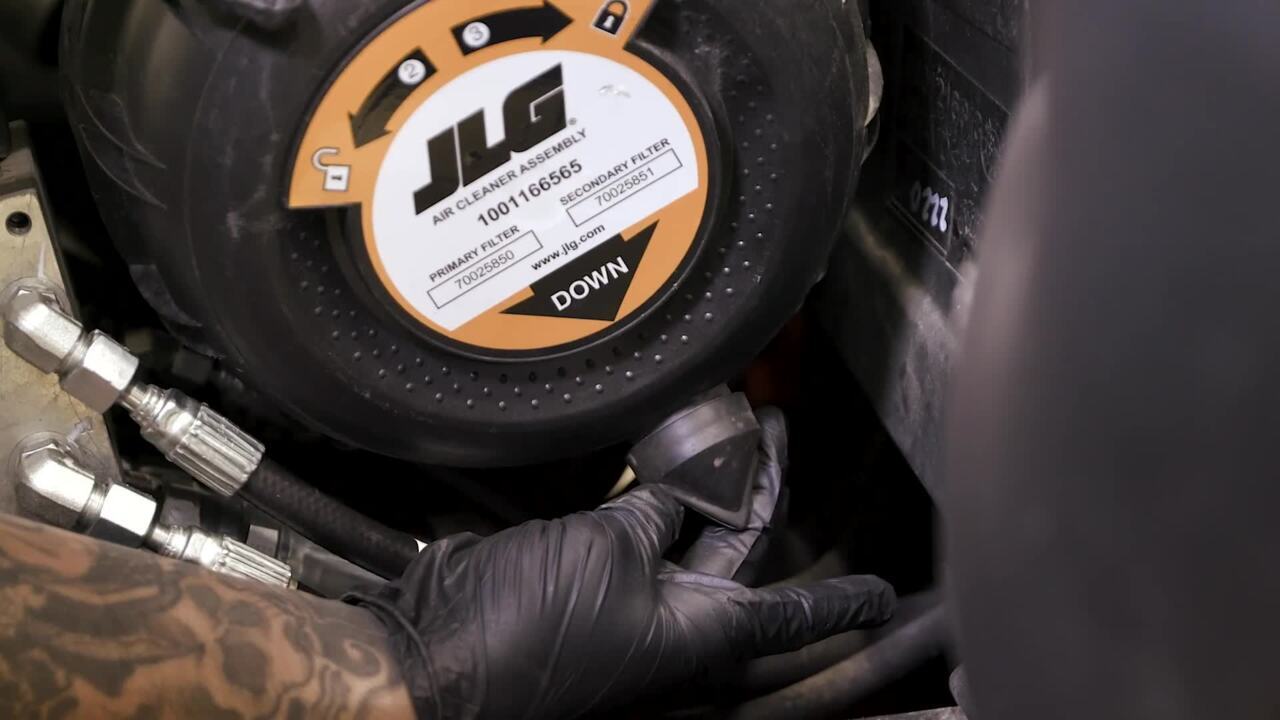
Common service and maintenance points following the Preventive Maintenance and Inspection Schedule – Every 10hrs
3:46
Calibrate platform level crackpoints on a JLG Ultra Boom using the JLG Analyzer. The video walks through accessing the calibration menu, adjusting values, and saving the settings. This process supports proper platform level operation.
1:04
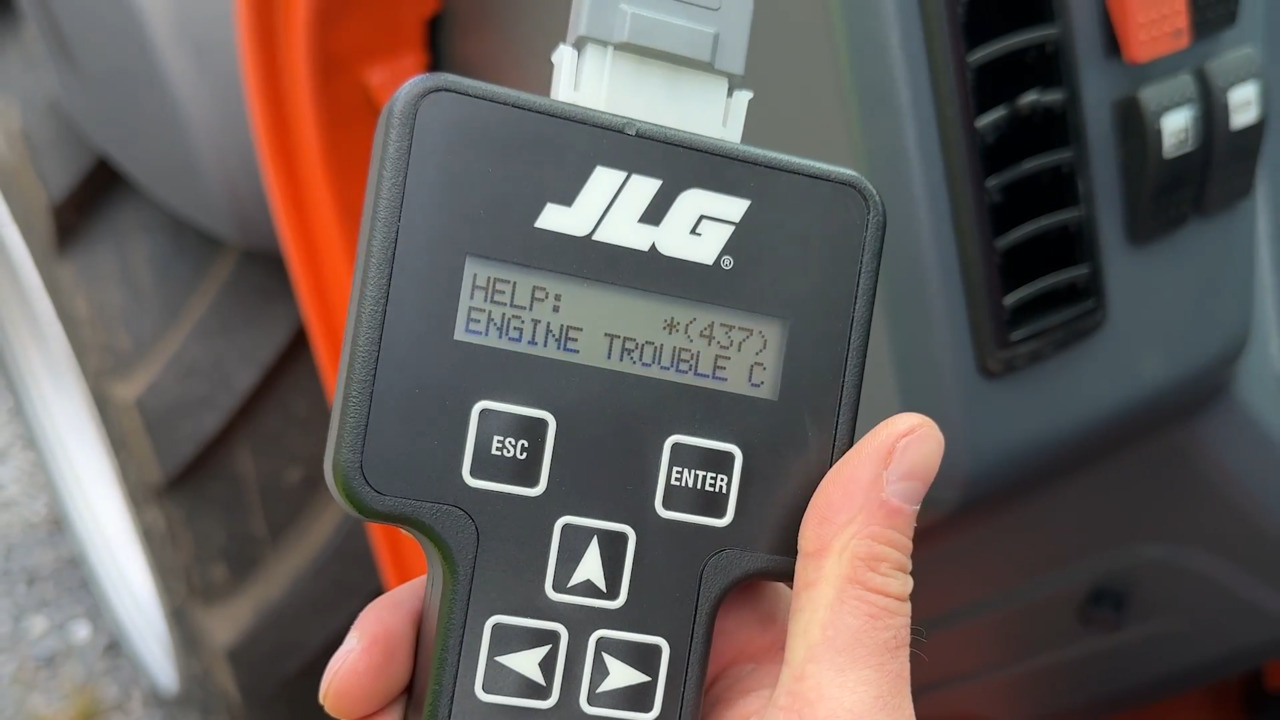
Learn how to interpret Fault Code 437, identify the Suspect Parameter Number and Failure Mode Identifier, access current engine faults using the JLG Analyzer
1:22